These days, users are searching for quick solutions to save time, manage information, train themselves to do new things, and do daily activities more efficiently. In this regard, artificial intelligence has proven to be a powerful tool that has recently become more and more useful, and the ChatGPT app gives mobile users convenient access to an AI assistant. OpenAI is currently offering ChatGPT via official apps on iOS and Android that enable people to converse with ChatGPT on their mobile devices and tablets.
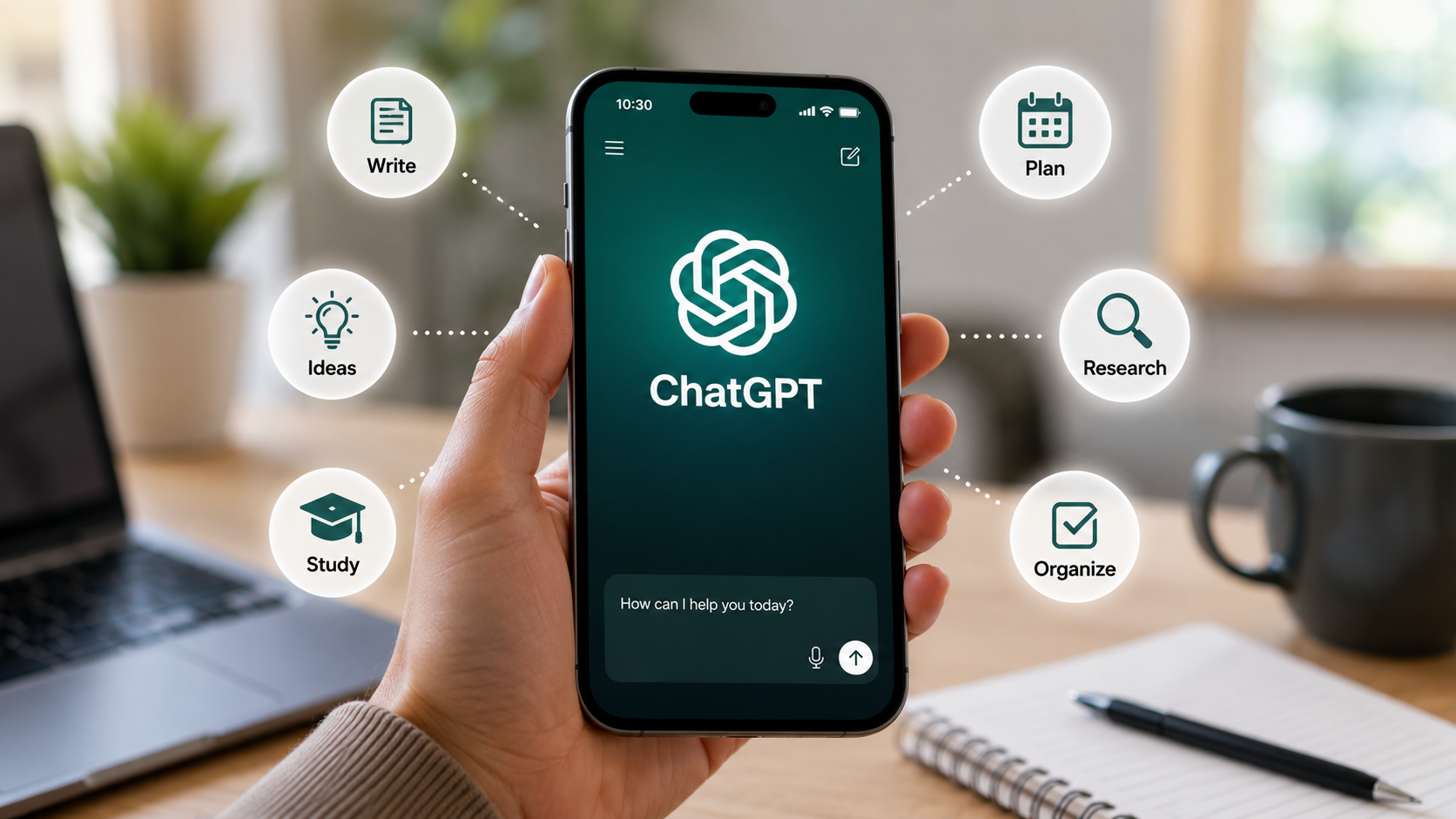
You can use the ChatGPT app for writing, brainstorming, studying, planning, translation, problem solving, analyzing files and images, and answering questions. It’s user-friendly and conversational, so each time a user asks a question, they can follow up and make adjustments to the answer instead of beginning the process again.
What Is the ChatGPT App and How Does It Work?
ChatGPT app is the mobile version of OpenAI’s conversational AI assistant. The app can be used by users to ask a question or give a command, and then they’ll get a response in a conversational format. The interaction can unfold, with follow-up questions to give users more context or options for change.
The app caters to different types of users. Students can use it to learn and explain, work professionals can draft and brainstorm, and normal users can use it to plan or ask questions in general.
Chats can also keep the conversation in context, so individuals can discuss a subject without repeating all of the information. This is helpful for multi-step problems in which the first problem needs to be improved.
The ChatGPT App Offers a Range of Functions That Can Assist Writers, Such As
One of the areas where the ChatGPT app can save time is by writing. It can be used to compose emails, articles, outlines, messages, descriptions, summaries, or any other kind of written content.
It can also enhance the writing of established writers. There is the ability for users to input text and ask for adjustments in tone, clarity, structure, and/or length. For instance, a long paragraph can be condensed into a summary, and a rough draft idea can be expanded into more of a draft.
The app may also offer brainstorming assistance. Rather than facing a blank sheet of paper, users can request ideas, headlines, topics, or different ways to approach a topic.
What are Some Ways That the ChatGPT App Can Help Students and Learning?
The ChatGPT app is a learning assistant that can help students with various subjects. Can explain complex information in simple terms, give examples, make study questions, and organize information.
Students don’t just have to submit an answer; they may also ask the app to explain why an answer is right or introduce a topic on varying levels of difficulty. This can promote more in-depth learning.
The app also offers the opportunity for language learning through the practice of vocabulary, grammar, translation, and conversation. But students should make use of AI tools like a coach, not a replacement for their own thinking and academic labor.
What Can the ChatGPT App Do to Make Planning Easier?
It can take a long time to plan what to do every day, particularly if there are several things to do. The ChatGPT app can assist users in structuring their thoughts and developing organized plans.
For example, users can ask for a study schedule, travel-planning ideas, a project outline, a daily routine, or a list of tasks. The user can then enter more requirements and request the app to make the necessary changes to the plan.
This means planning is more flexible, due to the conversational approach. Rather than developing a plan from scratch and editing it over and over, users can provide a description of what they wish to change and get a new plan.
What are the Ways the ChatGPT App can Assist in Research?
Research is frequently about the collection of information, comparison of ideas, and the organization of the findings. ChatGPT can answer questions, summarize provided documents, and search the web for the latest information, depending on the features and settings it provides to the user. OpenAI says ChatGPT Search is a functionality that can search for recent data and give you source-supported answers.
Users can also upload supported files to perform a variety of tasks like summarizing a document, extracting information, or answering a question based on the content of the file.
Users must always cross-check the information with primary or official sources when making important decisions, as AI-generated responses may be incorrect.
What can Users do With the ChatGPT App if They Include Images and Files?
There are modern versions of ChatGPT that are capable of more than just text. The app can be used to analyze uploaded images, screenshots, diagrams, and documents, depending on the user’s plan and the features available. It also has the ability to interpret information in the supported files.
For instance, a user could upload an image with text embedded in it and request an explanation or a summary of the image. It is acceptable to submit the document for analysis and discuss it in conversation with a chatbot.
These features may prove valuable for tasks at both a personal and professional level.
What Role Can Voice Features Play in Enhancing the Convenience of the ChatGPT App?
Not everyone is able to type at times, especially when they are walking, multitasking, or just prefer to talk. Voice Mode is now available in ChatGPT for mobile apps and supported platforms, enabling users to interact in a natural way through their voice.
Voice interaction can help make the experience more “conversational”. The user can speak rather than type every word or ask a question aloud, seek clarification, or extend a conversation.
This may prove useful when users wish for rapid assistance when their hands are already in use or when speaking is quicker than typing.
What are the Ways the ChatGPT App can Enhance Everyday Productivity?
The ChatGPT app can serve users as a general productivity tool to brainstorm or do repetitive intellectual work. It can outline, summarize, rewrite, generate ideas, explain ideas, and support users in preparing for various situations.
The user can prepare for meetings, for instance, by requesting the app to arrange discussion points. If a professional is writing an e-mail, he/she might ask for a more professional or clearer version of it. A student with a new topic might inquire for an explanation in steps.
The flexibility is the major benefit. Different tasks can be carried out on the same application based on the user’s instructions.
What are the Ways That Users Can Improve Their Results in the ChatGPT App?
A response that is of high quality may be dependent on the task explanation provided by a user. Instead of posing a very general query, users can give helpful information about what they are looking for, how they want to see it, who they should see it by, how to see it, and what their time constraints are.
For instance, instead of requesting “a business email”, a user might request the email to be professional, short, polite, and appropriate for a customer.
After the question, users can ask further questions. If their answer is too long, they can ask for a shorter answer. If it’s too detailed, they can ask for it to be put in simpler terms.
This “dialogue” can be used to narrow down the result to meet the user’s needs.
How can the ChatGPT App Ensure User Privacy and Control?
As convenient as it is to use, users ought to know how their information is being treated. OpenAI offers data-control features in ChatGPT, and users can control parts of their account and chat data. For instance, on Android, the application provides features such as chat history, data management, account management, and data export.
To avoid sharing very sensitive personal information without knowing the settings and risks involved, users are advised to be cautious. When users review the data controls available, they can make informed decisions on their use of the service.
Before Relying on the ChatGPT App, Users Should Consider the Following
While the ChatGPT app may be helpful, it is important to remember that it is not infallible and should not be considered a definitive source of information. AI systems may sometimes give wrong, incomplete, or outdated answers.
On significant economic, legal, health, academic, or professional matters, users are encouraged to seek verification of important information from qualified professionals or from authoritative sources.
It’s also a necessity to download the official application. OpenAI advises users to look for “openai chatgpt” in the app store for their respective platforms to ensure they are downloading the official OpenAI app.
What’s Next for the ChatGPT App?
The capabilities are continuously evolving for AI assistants, and they’re being deployed in web and mobile experiences. The new features that OpenAI has recently added encompass app usability, conversation organization, sharing, photo upload, connected-app controls, and more.
As these technologies evolve, the ChatGPT app could unlock a more integrated way to bring text, voice, image, file, research, and more together in a single conversation.
Conclusion
The AI assistant in the ChatGPT app can make a variety of everyday tasks easier by bringing the AI companion right to users’ mobile devices. It can be used for a wide variety of activities such as writing and studying, planning and research, voice conversations, and analyzing files or images.
It is extremely useful in a conversational format as users can ask follow-up questions, add context, and adjust responses. Users must remain vigilant with crucial details and make sound judgments on delicate or high-stakes subjects, however.
The ChatGPT app is evolving into a ubiquitous productivity and learning aid, as AI tools grow in capacity. If applied judiciously, it can be utilized to save time, structure thoughts, delve into content, and find more effective ways to perform everyday tasks.